
If you are searching for the best music streaming service comparison in 2026. Spotify leads in discovery and free tiers, Apple Music offers great sound and iOS integration and YouTube Music wins for deep catalogs and video.
You are standing in your kitchen. You open your music app. You hit play. The song starts instantly. But are you streaming it? Or is the file stored on your phone?
Most people do not think about this. They just want the music to play. But the difference between streaming and downloading actually matters. A lot. I have spent years testing music services.
I have switched between Spotify, Apple Music, Tidal, and others. I have learned what works and what does not. This guide explains the key differences. It also compares the best music streaming service options for 2026. No fluff. Just real experiences.
What Is the Best Music Streaming Service Comparison?
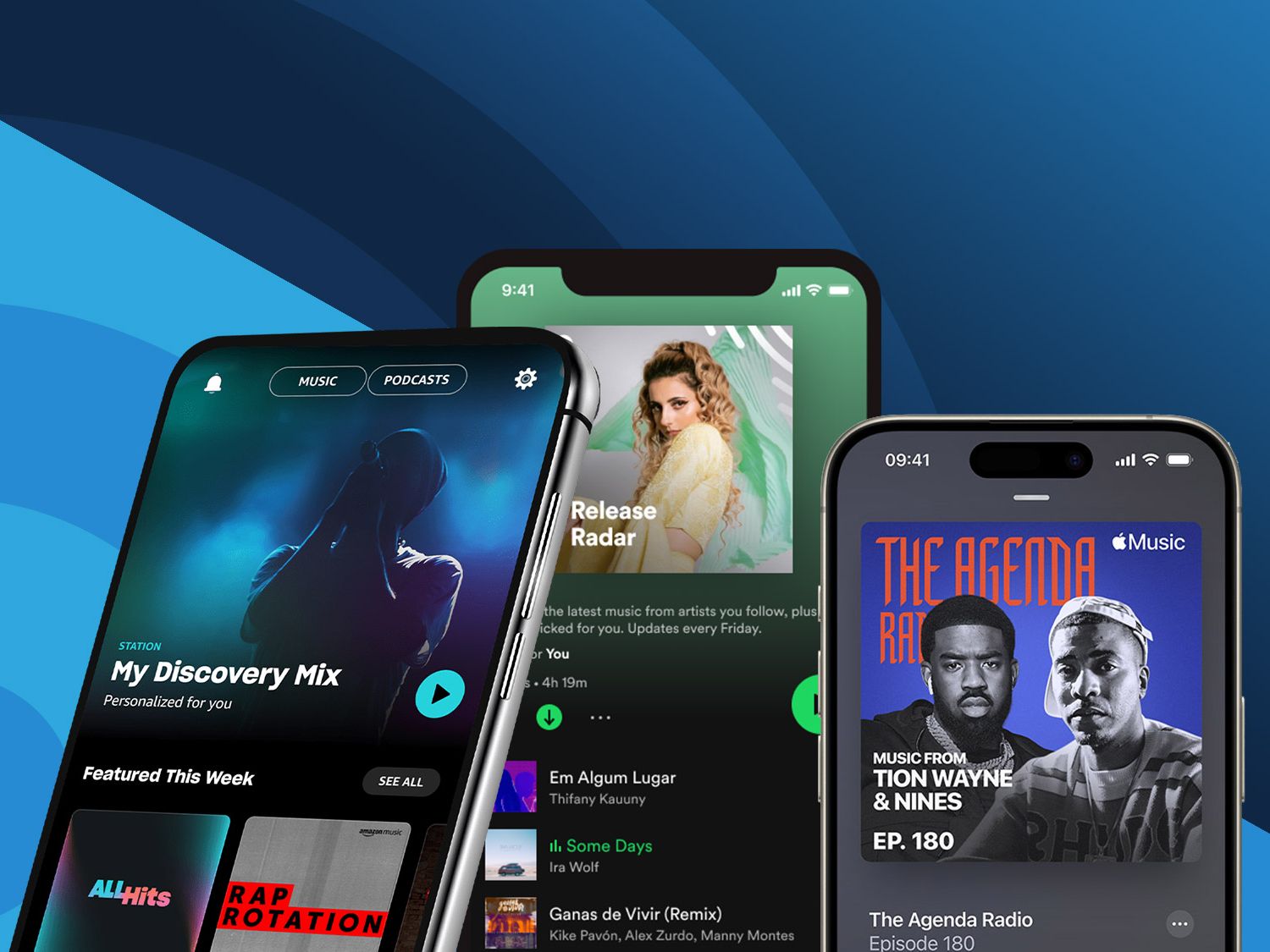
Streaming: Music on Demand
Streaming means you listen to music over the internet. The file plays from a remote server. It does not stay on your device. You open the app. You select a song. The app fetches the data from the cloud. It plays it in real time. When you stop, the data is gone.
Read Also: Apple Music AutoMix Not Working? 9 Easy Fixes That Work
Think of it like watching a video on YouTube. You do not download the video. You just watch it. Streaming music works the same way. To learn more information what is the best music streaming service in 2026?
Pros of streaming:
-
Access to millions of songs instantly
-
No storage space needed on your device
-
Discover new music through algorithms and playlists
-
Often cheaper than buying individual albums
Cons of streaming:
-
Requires an internet connection
-
Uses mobile data if you are not on Wi-Fi
-
You do not own the music
-
Songs can disappear due to licensing changes
-
Requires periodic online check-ins for offline downloads
Downloading: Music You Own
Downloading means you save a music file to your device. The file stays there. You can play it anytime, anywhere. No internet needed. You buy the song or album. You download the file. It is yours forever.
Pros of downloading:
-
Listen without an internet connection
-
No data usage
-
You actually own the music
-
Play on any device, including old MP3 players
-
Support artists more directly
Cons of downloading:
-
Takes up storage space on your device
-
You have to buy each song or album individually
-
No instant access to millions of songs
-
Harder to discover new music
The "Download" Feature in Streaming Apps
Here is where it gets confusing. Most streaming services let you "download" songs for offline listening. But this is not the same as buying a download.
When you download a song on Spotify or Apple Music, the file is encrypted. It only works inside that app. You cannot move it to another device. You cannot play it in a different music player.
And if you cancel your subscription, those downloads disappear.
This is more like "renting" a copy for offline use. You do not actually own the music.
A 2026 survey found that 57% of respondents still download music files. Many people value ownership. They want to keep their music forever.
The Best Music Streaming Services for 2026
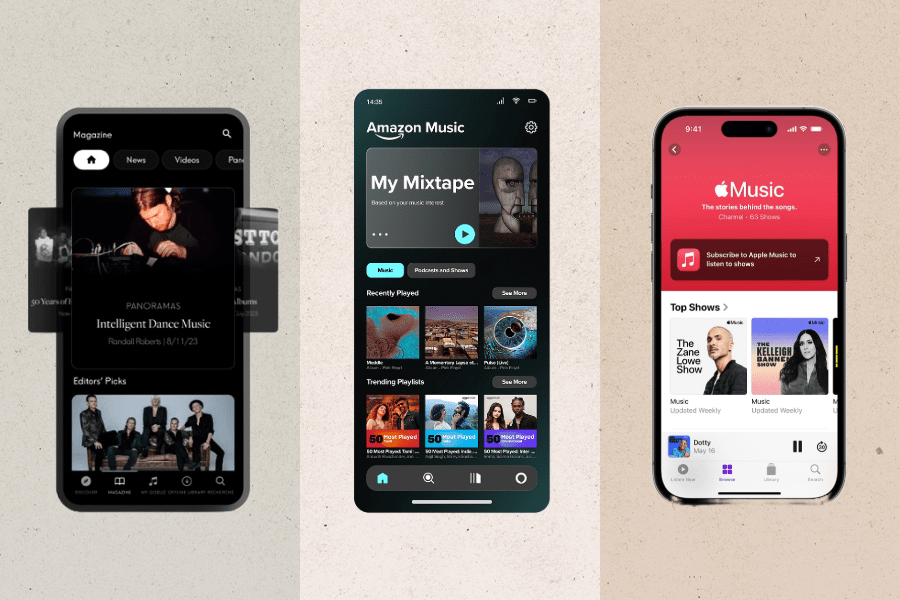
I have tested every major service. Here is my honest take on each one.
Apple Music: Best for Apple Users and Audiophiles
Apple Music costs $10.99 per month for an individual plan. It offers over 100 million tracks. The library is massive.
What I love:
Lossless audio and Dolby Atmos come at no extra cost. This is huge. Other services charge more for high-quality sound. Apple includes it.
The integration with Apple devices is seamless. If you own an iPhone, iPad, or Mac, this just works. You can also bundle it with Apple One for $19.95 per month. That gives you Apple Music, Apple TV, Arcade, and iCloud storage.
The 24/7 music video channel is a nice touch. It feels like a modern MTV.
What I do not love:
The interface is not as fun or feature-rich as Spotify. Discovery features are weaker.
Who it is best for:
Apple device owners. Audiophiles who want high-quality sound without paying extra. Budget-conscious listeners, as it is now cheaper than Spotify.
Who it is not best for:
Spotify power users who love playlists and social features. Android users may find the experience less polished.
Spotify: Best for Discovery and Social Features
Spotify is the industry giant. It recently hit 300 million paid subscribers. Monthly active users climbed to 777 million.
What I love:
Discovery is where Spotify shines. The algorithms are scary good. They find music you actually like.
Spotify Connect lets you switch between devices seamlessly. Start a song on your phone. Move it to your speaker. No interruption.
The free version is robust. You can listen with ads. No commitment required.
The "Jam" feature for collaborative playlists is fun.
What I do not love:
The podcast integration feels awkward. You pay for audiobook access even if you never use it.
At $12.99 per month, it is now $2 more than Apple Music. That adds up over a year.
Who it is best for:
People who love discovering new music. Social listeners who share playlists. Anyone who wants a free option.
Who it is not best for:
Audiophiles who want lossless audio. Apple users who want tight integration. Budget-conscious subscribers.
Tidal: Best for Audiophiles and Artists
Tidal has always been about sound quality. It recently simplified its pricing. The Hi-Fi tier now costs $10.99 per month.
What I love:
High-fidelity music streams. FLAC up to 24-bit/192kHz. Dolby Atmos surround mixes.
Tidal pays artists more than Spotify. Per-stream payouts range from $0.013 to $0.015. If supporting artists matters to you, this is a big deal.
The editorial content is excellent. Artist profiles. Record reviews. Up-and-coming spotlights.
What I do not love:
The mobile apps and web player are not as polished as competitors.
The catalog is smaller than Spotify Premium.
No free tier. You must pay to use it.
Who it is best for:
Audiophiles with good headphones or speakers. People who want to support artists fairly. Listeners who care about sound quality above all else.
Who it is not best for:
Casual listeners who just want background music. People who rely on free, ad-supported plans. Spotify power users who love playlists.
Amazon Music Unlimited: Best for Prime Members
Amazon Music Unlimited costs $10.99 per month. But if you are a Prime member, it is cheaper.
What I love:
Hi-res and spatial audio from Sony 360 Reality Audio and Dolby Atmos at no extra charge.
Lyrics automatically pop up on the "now playing" screen.
Alexa integration is excellent. Just ask, and it plays.
What I do not love:
Artist profiles do not have biographies. It feels less curated.
The service no longer includes a music locker.
Who it is best for:
Amazon Prime members. People who use Alexa devices. Anyone who wants a good all-around service.
Who it is not best for:
Non-Prime members. The price is less competitive. Audiophiles who want the absolute best sound.
Qobuz: Best for High-Resolution Audio and Music Purchases
Qobuz is the underdog. It focuses on high-res audio. It also lets you buy downloads.
What I love:
24-bit music without needing a special decoder.
The app is clean and fun to use.
You can buy music through the Qobuz Store. This is unique. You get both streaming and purchasing in one platform.
What I do not love:
No spatial audio.
No in-app, synced lyrics.
Smaller catalog than the big players.
Who it is best for:
Audiophiles who want the highest possible sound quality. People who want to buy music as well as stream it.
Who it is not best for:
Casual listeners. People who love karaoke or lyrics. Anyone who wants a massive catalog.
YouTube Music: Best for Music Videos and Remixes
YouTube Music Premium offers ad-free listening and offline playback.
What I love:
Access to unique remixes, covers, and live versions. You cannot find these on other services.
Seamless integration with YouTube music videos.
What I do not love:
The app can feel cluttered.
Audio quality is not as good as Apple Music or Tidal.
Who it is best for:
YouTube fans. People who love live performances and remixes.
Who it is not best for:
Audiophiles. People who want a clean, music-only experience.
How to Choose the Right Service for You?
Consider Your Devices
If you use an iPhone, Mac, and Apple Watch, Apple Music is the obvious choice. The integration is unbeatable.
If you use Android, Spotify, Tidal, and YouTube Music all work well.
Consider Your Audio Setup
Do you have high-end headphones or speakers? Then Tidal or Qobuz are worth the investment.
Do you listen through basic earbuds or in the car? Apple Music or Spotify are fine.
Consider Your Budget
Apple Music is now the cheapest at $10.99. Spotify is $12.99. Tidal matches Spotify at $12.99.
If you are an Amazon Prime member, Amazon Music Unlimited is a bargain.
Consider What Matters Most?
-
Discovery: Spotify
-
Sound quality: Tidal or Qobuz
-
Apple integration: Apple Music
-
Music videos: YouTube Music
-
Buying music: Qobuz
-
Supporting artists: Tidal
Final Thoughts
Streaming and downloading serve different purposes. Streaming is for discovery and convenience. Downloading is for ownership and offline listening.
The best music streaming service for you depends on your priorities. I have used all of them. I currently use Apple Music for the sound quality and price. But I also buy downloads from Qobuz for music I truly love.
Try the free trials. See what fits. You might be surprised.
Common Questions About Music Streaming
What is the best music streaming service overall?
There is no single answer. It depends on your needs. Apple Music is the best value. Spotify is best for discovery. Tidal is best for sound quality.
Which service has the best sound quality?
Tidal and Qobuz lead in high-resolution audio. Apple Music offers lossless at no extra cost.
Can I download music for offline listening on all services?
Yes. All major services offer offline downloads. But remember, these are encrypted. You do not own the files.
Which service pays artists the most?
Tidal pays the most, followed by Apple Music and Amazon Music Unlimited. Spotify pays the least.
Is it better to stream or download music?
It depends. Streaming gives you access to millions of songs. Downloading gives you ownership. Many people use both.