
I set up Apple Music Family Sharing for my parents last year, and it broke within a week. My dad kept getting kicked off because he had an old individual subscription still active on his account. That is the trap nobody warns you about.
The how to share music with family on apple music process is simple on paper. But if anyone in your group has an existing individual plan, a student discount, or a different Apple Account region, it fails silently.
Here is the honest breakdown of what works, what breaks, and what to do when you see the dreaded no longer on family sharing apple music error.
How to Add Family Members on Apple Music?
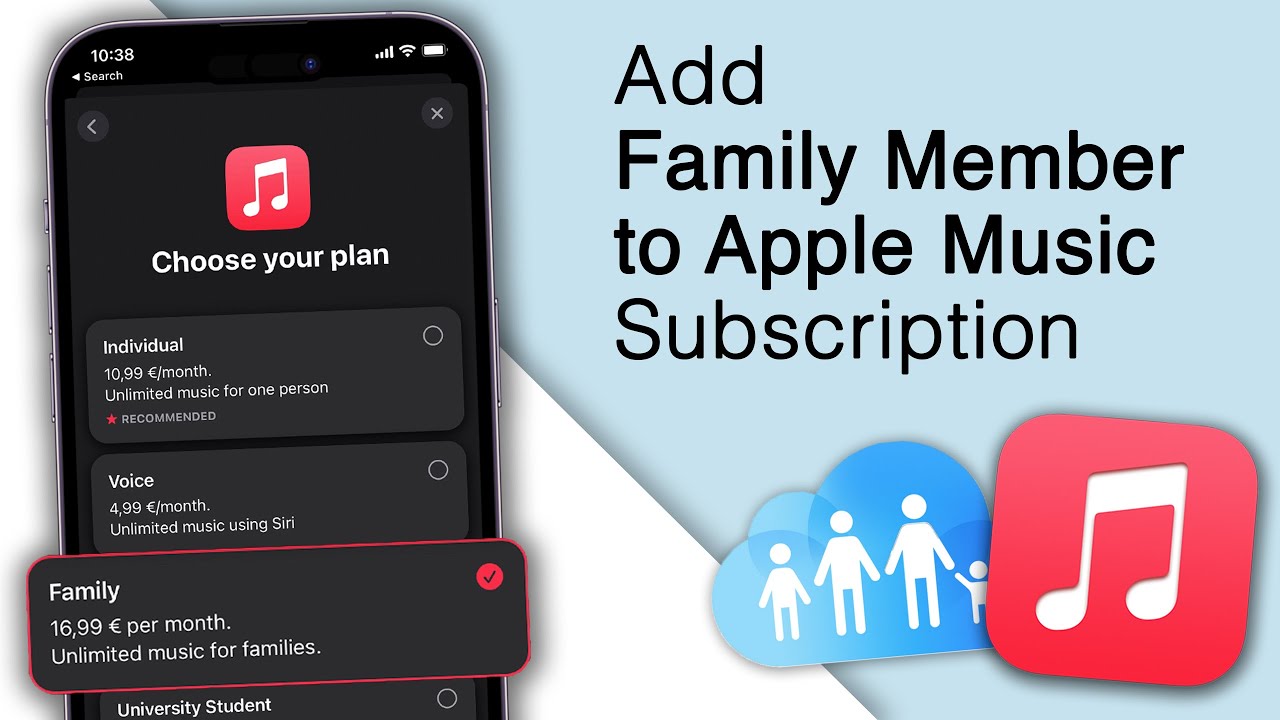
You cannot share an individual Apple Music subscription. Full stop.
Apple's support page is explicit. Individual subscriptions to Apple Music, Apple One, and student subscriptions are not shareable through Family Sharing. Only the Family plan is designed to be shared.
Read Also: Apple Music AutoMix Not Working? 9 Easy Fixes That Work
This is the mistake I made. I had an individual plan. I created a Family Sharing group. I invited my parents. Nothing happened. Apple Music did not appear in their apps.
The reason was simple: I never upgraded my subscription to the Family tier. Family Sharing is the container. The Family subscription is the content. You need both.
How to Set Up the Sharing (The Correct Order)?
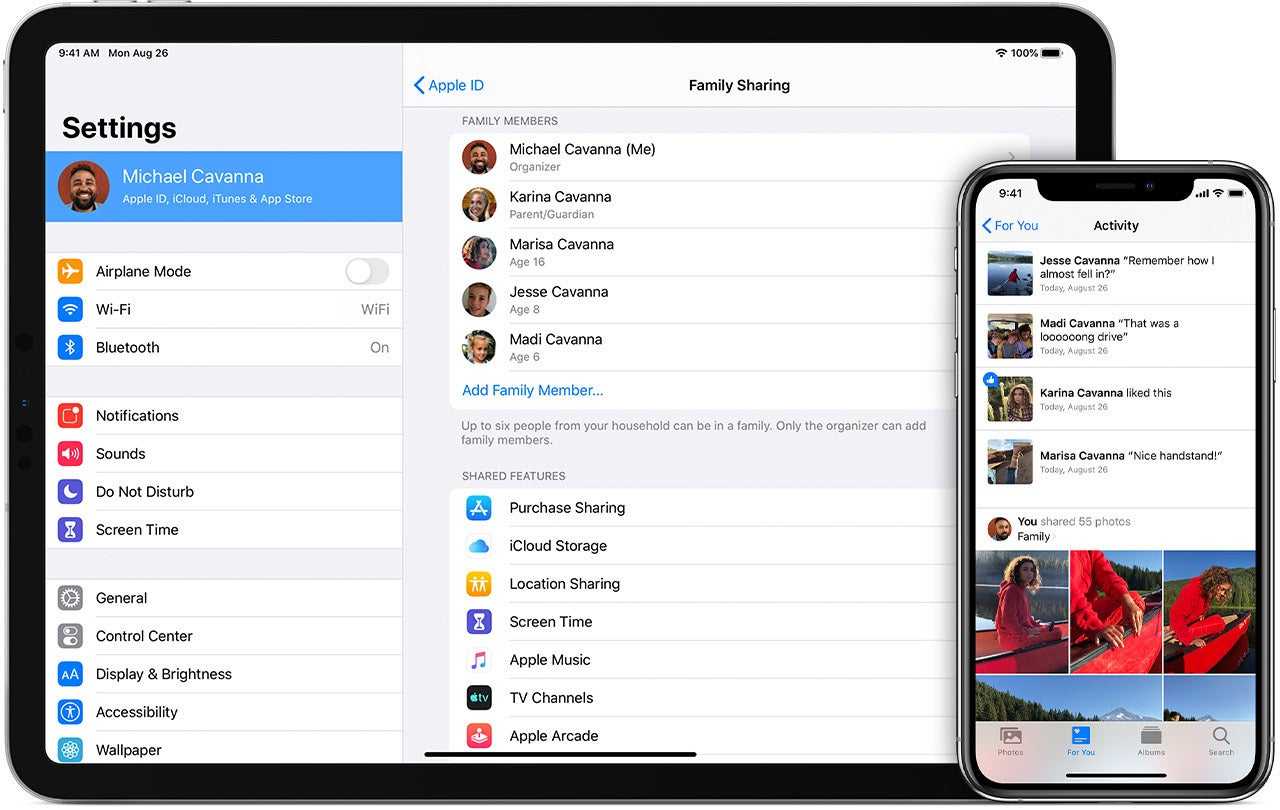
Step one: Create the Family Sharing group. The organizer must be an adult. On iPhone, go to Settings > [your name] > Family > Set Up. Follow the prompts to invite members . You can add up to five people.
Step two: Invite your family members. They receive an invitation via Messages or email. They must accept it. You can only be in one Family Sharing group at a time, and you can only switch groups once per year.
This is a hard limit. If your family member is already in another group, they have to leave it first.
Step three: Upgrade to the Family subscription. The organizer needs to subscribe to Apple Music Family or Apple One Family. In India, the Family plan now costs ₹229 per month, up from ₹179. This covers up to six people total, including the organizer.
Once the Family subscription is active, members open the Music app. Apple Music appears automatically. No codes. No extra logins. Each person gets their own library, recommendations, and playlists.
Why You See "No Longer on Family Sharing Apple Music"?
This error usually means one of three things.
Someone left the group or was removed. When a member leaves a Family Sharing group, they immediately lose access to shared subscriptions. DRM-protected music downloaded from another member's account becomes unusable. If you see this message, check whether you are still in the group.
You Must Also Like: How to Get Synced Lyrics on Apple Music Local Files?
The organizer downgraded the subscription. If the person paying switches from Family back to Individual, everyone else loses access. Apple does not send a warning email to the other members. It just stops working.
The member joined a different Family Sharing group. You can only belong to one group. If your account got pulled into someone else's group, you lose access to the original group's subscriptions.
How to Add Someone to the Family Plan?
If the group already exists and the Family subscription is active, the organizer adds the person through Settings > Family > Add Member. Send the invitation. Wait for them to accept. That is it. No separate Apple Music invitation is needed.
The person must have their own Apple Account. They cannot use yours. Each member's listening data stays private, which is the whole point of Family Sharing.
The Final Thoughts
How to add someone to Apple Music family plan? Do the math before you upgrade. The Family plan at ₹229 is more expensive than the Individual plan.
But if you have three or four people who listen to music, it is cheaper than everyone paying separately. My parents were paying for two individual plans. The Family plan cut their combined cost in half.
The other thing I would say is this: check every member's subscription status before you start. If anyone has an active individual or student plan, cancel it first.
The system will not migrate them automatically. You will spend an hour wondering why the invitation is not working. It is almost always a leftover subscription.